
What a professional deployment actually involves
Every deployment we run follows the same order, whether it's a two-camera storefront or a six-floor condo tower:
- Site survey. We walk the property and mark where coverage actually matters: entrances, garages, common areas, the blind corners everyone forgets. Lighting and mounting quirks get noted here too, before anything is quoted.
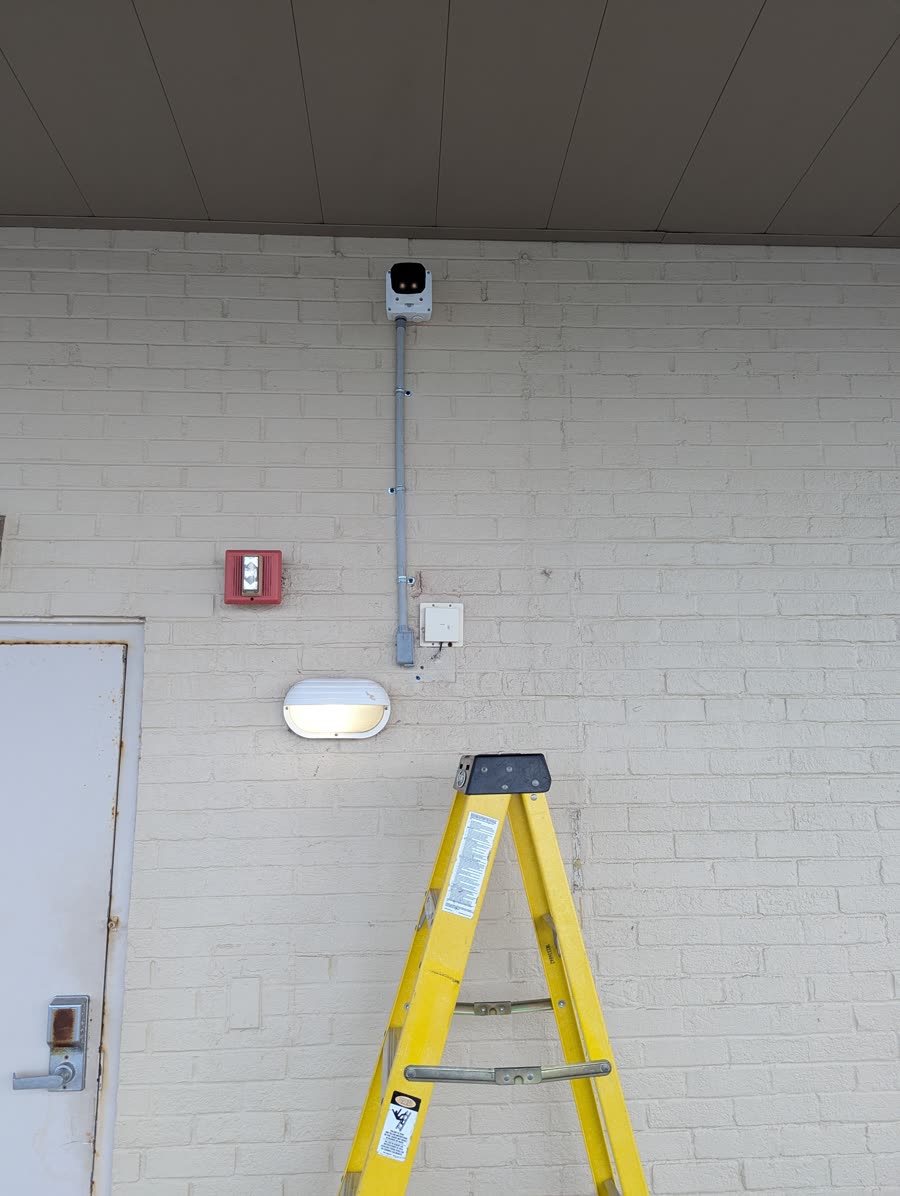
- Cabling and conduit plan. We map the physical path from every camera back to the NVR, garages, stairwells, rooftops, wherever the run needs to go. This is the part of the job that decides how clean the finished install actually looks.
- Camera placement and mounting. Weatherproof mounts, angled for real coverage rather than a token wide shot, at the corners and chokepoints that give the best field of view.
- NVR configuration. Recording schedules, retention windows, and account setup, configured once so nobody has to babysit it.
- Remote access setup. Secure viewing from a phone, tablet, or desktop for every stakeholder who needs it, without exposing the system to the open internet.
Case study: Patrician Towers, Rehoboth Beach
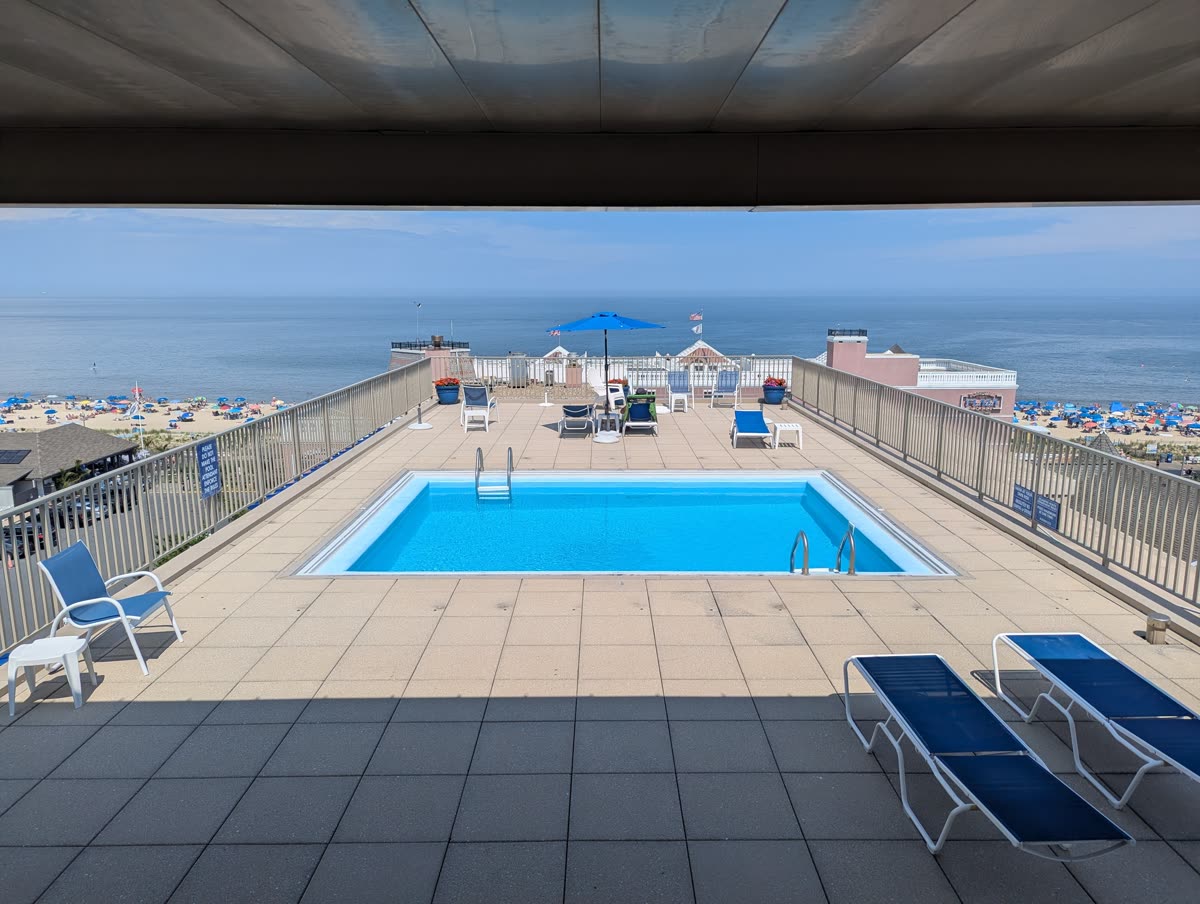
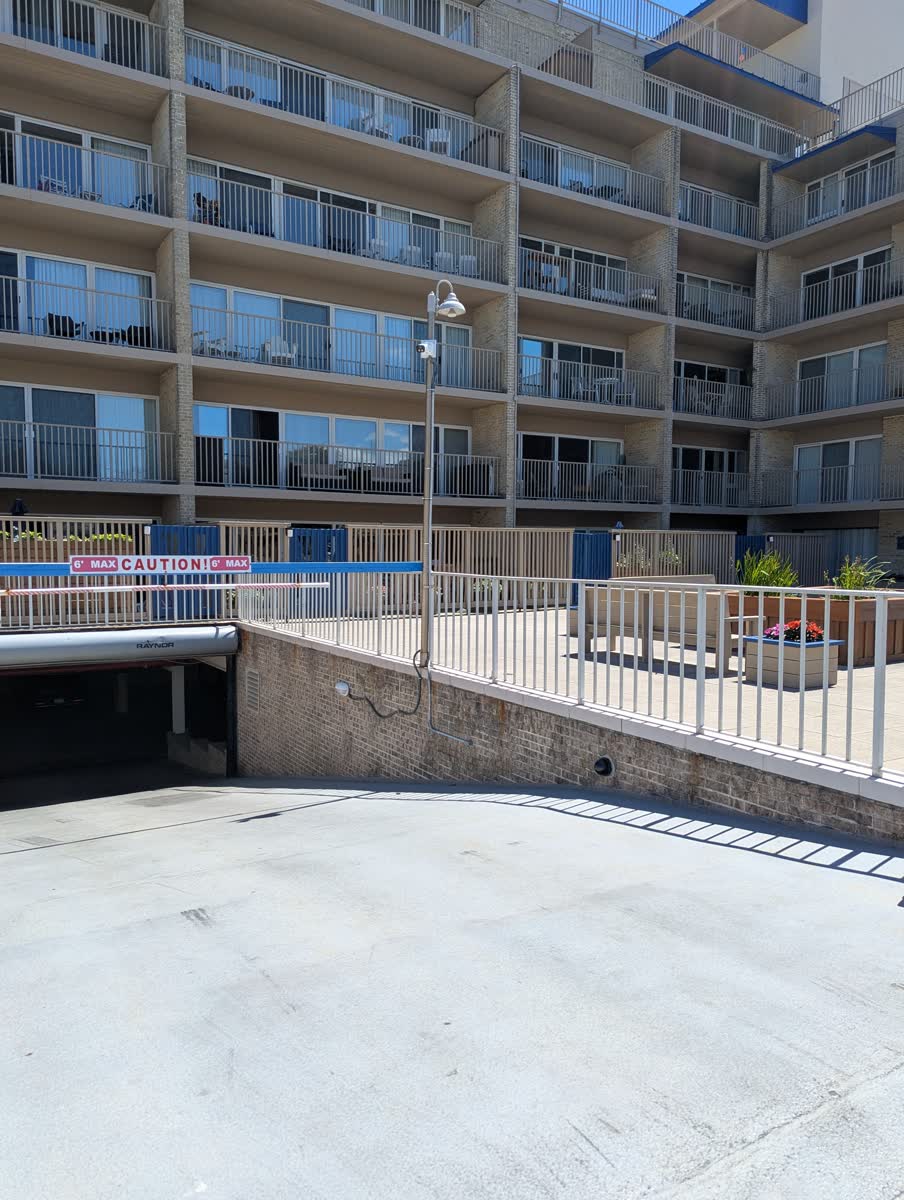
Patrician Towers is a beachfront condo tower we've been working on for years, adding and replacing cameras as the property's needs changed. Ten cameras total today, the most recent addition being four new cameras with fresh wiring. The system runs on a Capture Advance NVR, NDAA-compliant, mixing ONVIF cameras from more than one manufacturer on the same recorder.
The tricky part of a job like this usually isn't the cameras themselves. It's getting a clean cable run from the NVR in the manager's office all the way up to a rooftop six floors above, weatherproof and tidy at every junction along the way.
These days the property manager gets clear 4K coverage of the building and the rooftop pool deck, plus reliable remote monitoring right through peak summer, when foot traffic on the property is at its heaviest.
Case study: Venus Nails Salon, Fenwick Island
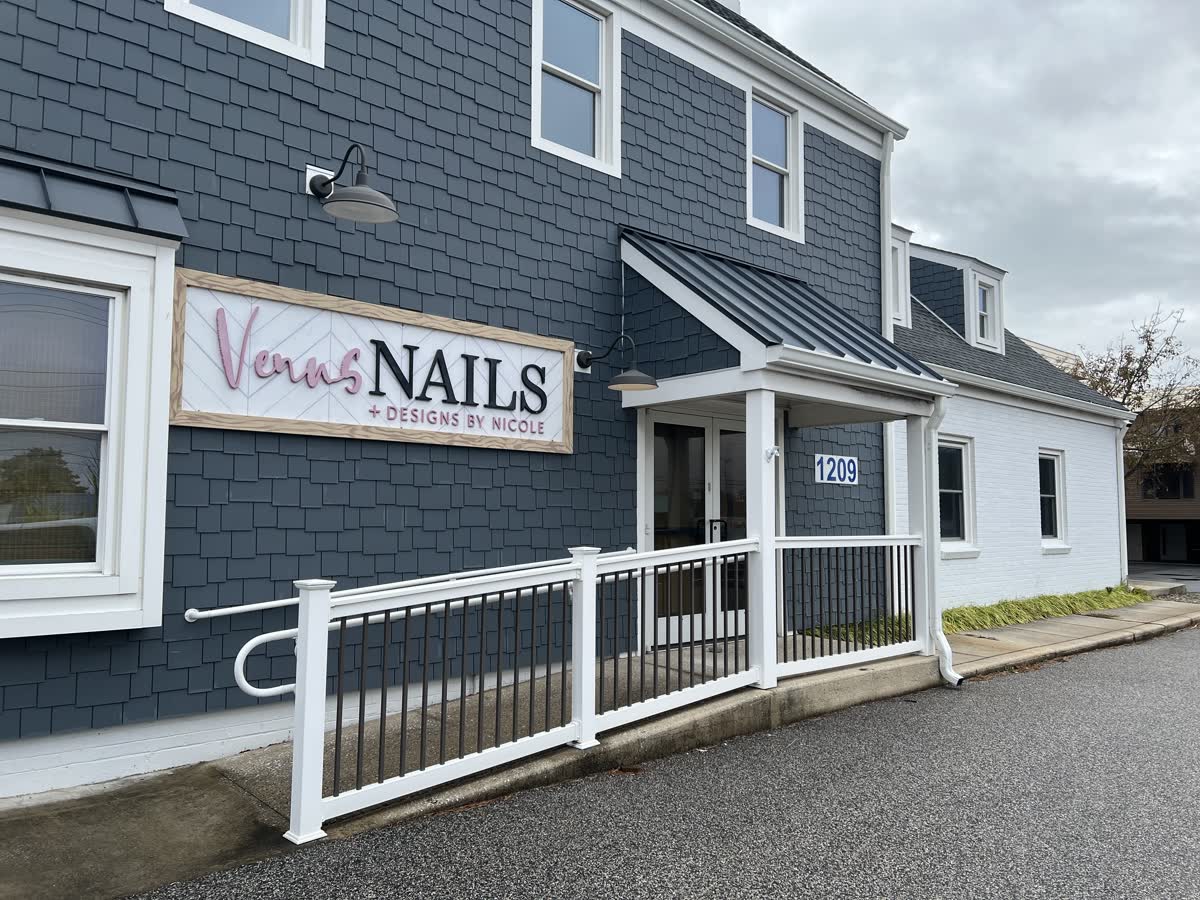
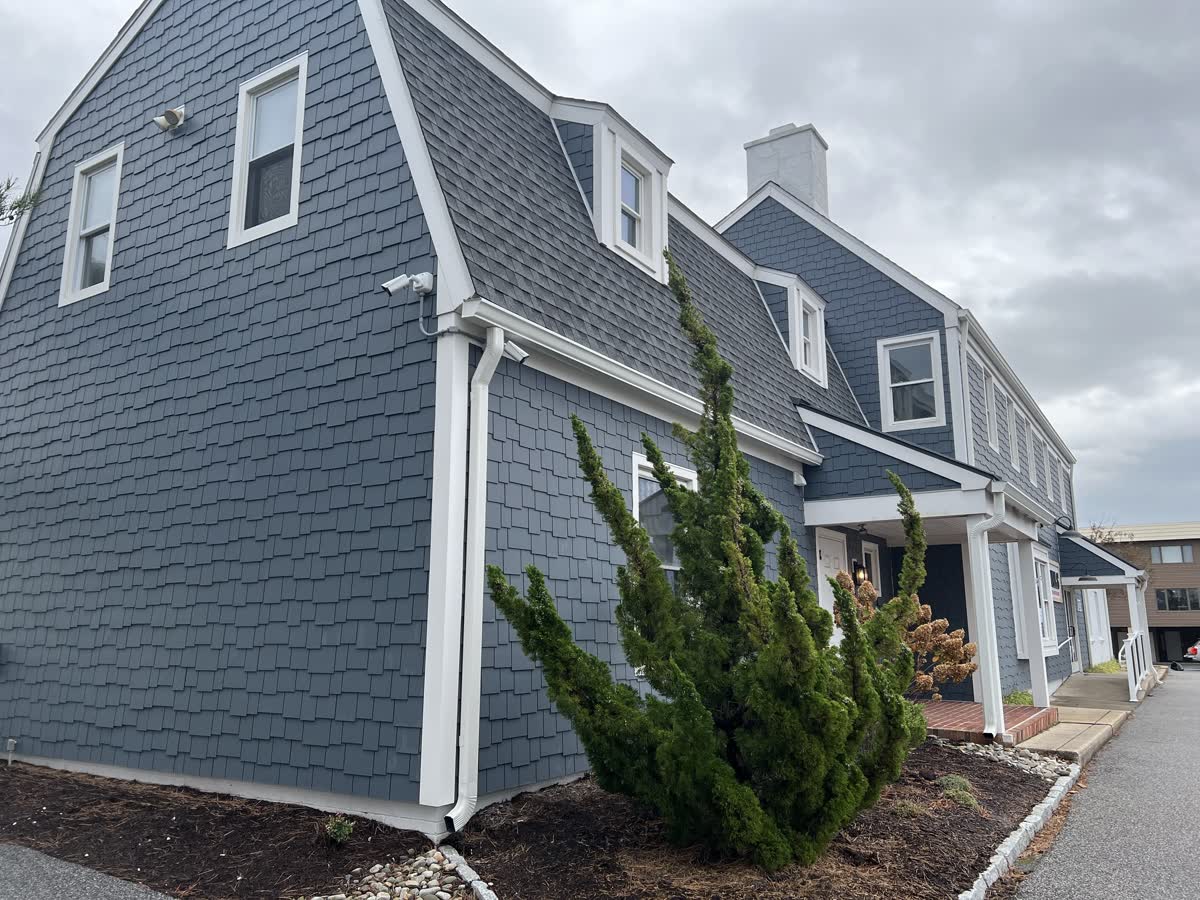
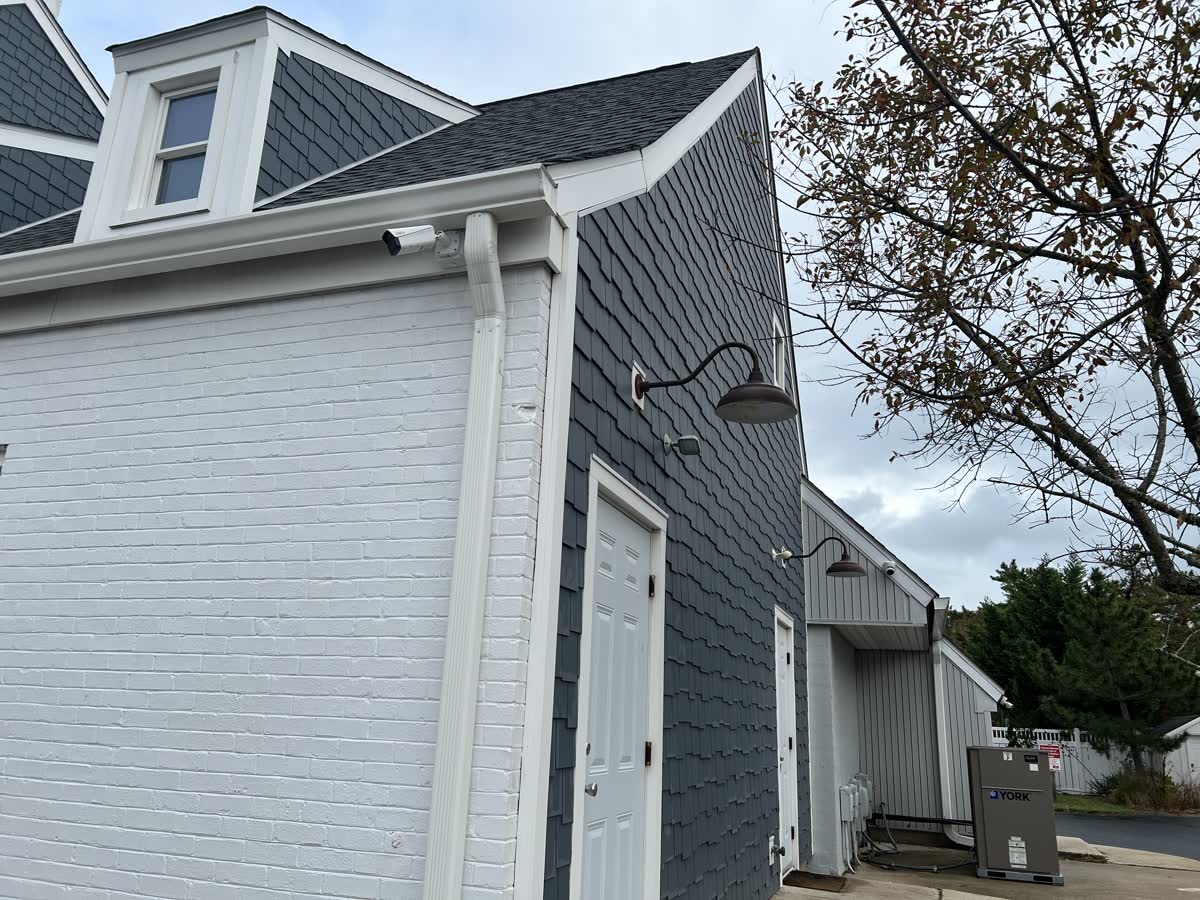
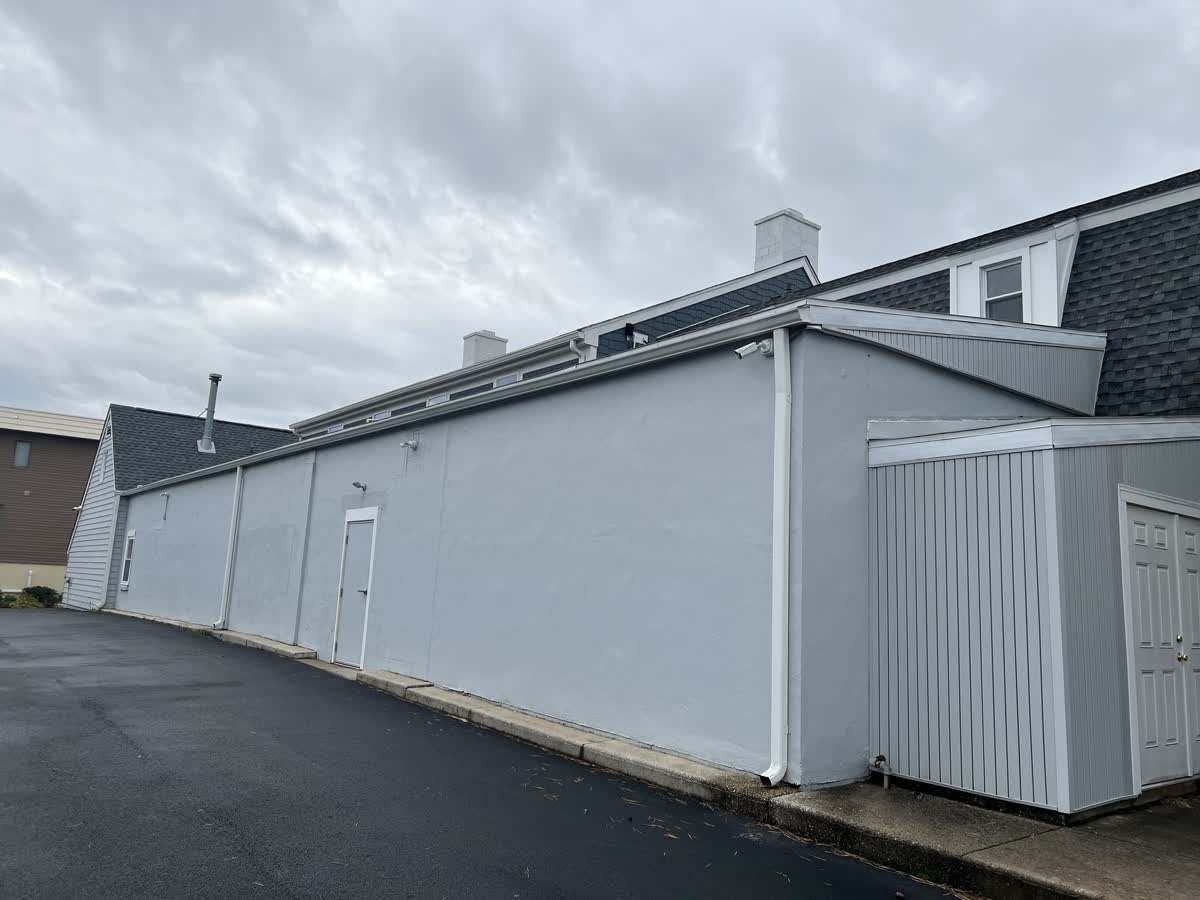
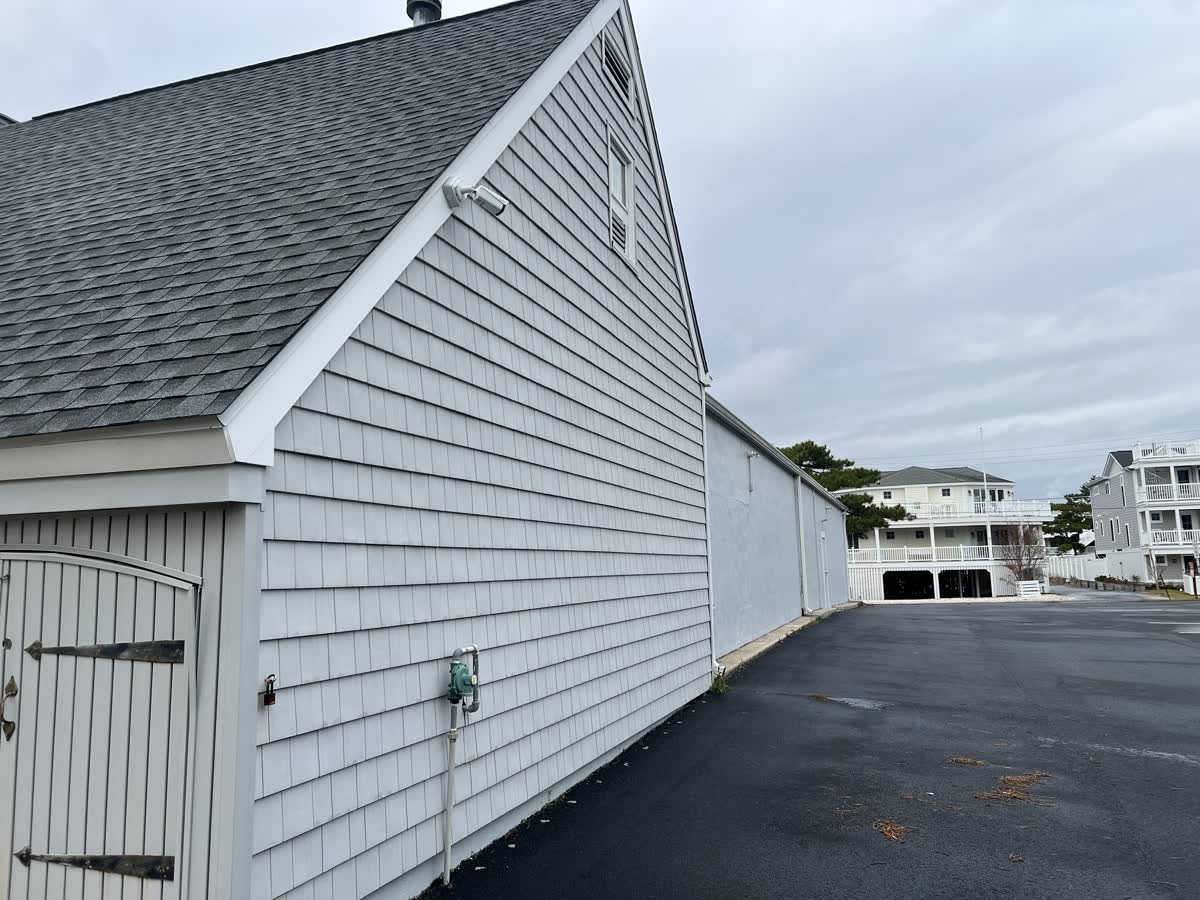
Venus Nails + Designs by Nicole is a two-story commercial building at 1209 Coastal Hwy in Fenwick Island. The ask was simple to say and easy to get wrong: full coverage front and back, everything weatherproof. We mounted a camera at each corner of the building (front-left, front-right, back-left, back-right) so there's no approach to the property that isn't covered.
HOA/commercial vs. residential: what's different
The core technology is the same, but what a system needs to do changes a lot once you're covering shared property instead of a single household:
| Residential | HOA / commercial | |
|---|---|---|
| Coverage scope | Doorways, driveway, and backyard. Usually 2-6 cameras | Full building perimeter, common areas, garages, and shared amenities |
| Compliance & insurance | Rarely required, though insurers may offer a discount | Often required. NDAA-compliant hardware for insurers, HOA boards, and any federally funded work |
| Remote access | One owner, one or two devices | Multiple stakeholders (property manager, board members, on-site staff), each with their own secure login |
| Typical camera count | 2-6 | 10-70+, depending on units and common areas |
Frequently asked questions
- Is professional-grade security too expensive for a small HOA or business?
- It depends on unit count, camera count, and site complexity, so we quote after a site survey rather than guessing over the phone. No job is too small or too big. We've installed everything from a two-camera storefront to a 10-camera condo tower. Professional-grade equipment costs more upfront than a big-box camera kit, but it keeps working and stays supportable for years. That's where the real value shows up.
- How long does an HOA or commercial camera installation take?
- It depends on the scope. A storefront with a handful of corner-mounted cameras, like Venus Nails Salon, can be done in a day or two. A multi-floor job that involves routing new conduit through a building, like the rooftop system at Patrician Towers, takes longer and is usually scheduled in stages around the property's needs.
- Do you manage the system after installation, or is it a one-time install?
- Both are on the table, but most HOA and commercial clients go with ongoing remote management: health monitoring, firmware updates, storage checks, all of it. That way a failing camera or a full drive gets caught and fixed before the property manager ever notices a gap in the footage.