
Overview
Geekytek repairs laptops and desktops of every major brand, Windows and Mac alike. We start with an honest diagnostic, explain what we found in plain English, and quote the fix before any work begins. If a repair isn't worth the money, we'll tell you that too and help you plan a replacement instead.
Most common repairs are turned around quickly, and we test every machine before it goes back to you: hardware, updates, startup health, and the original complaint. The problem stays fixed.
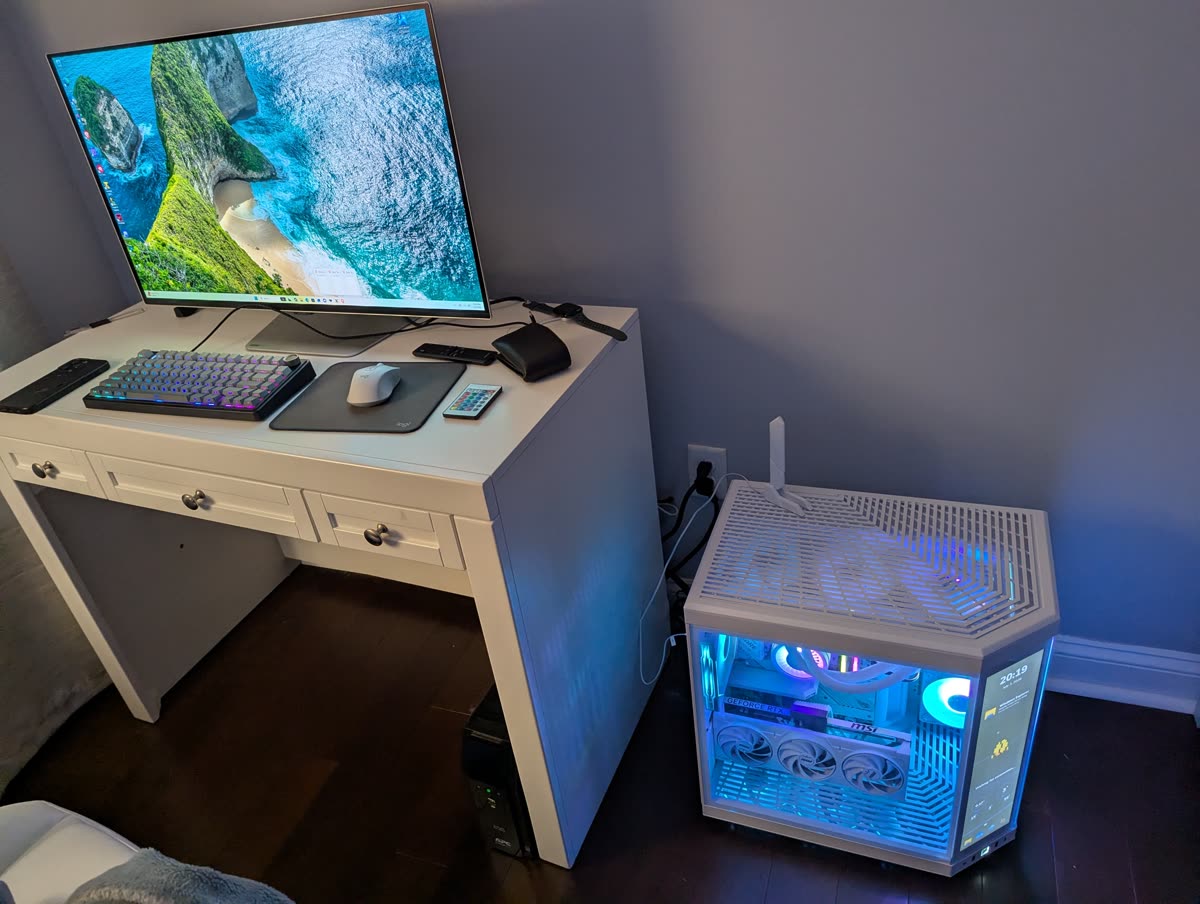
Recent build: custom gaming PC
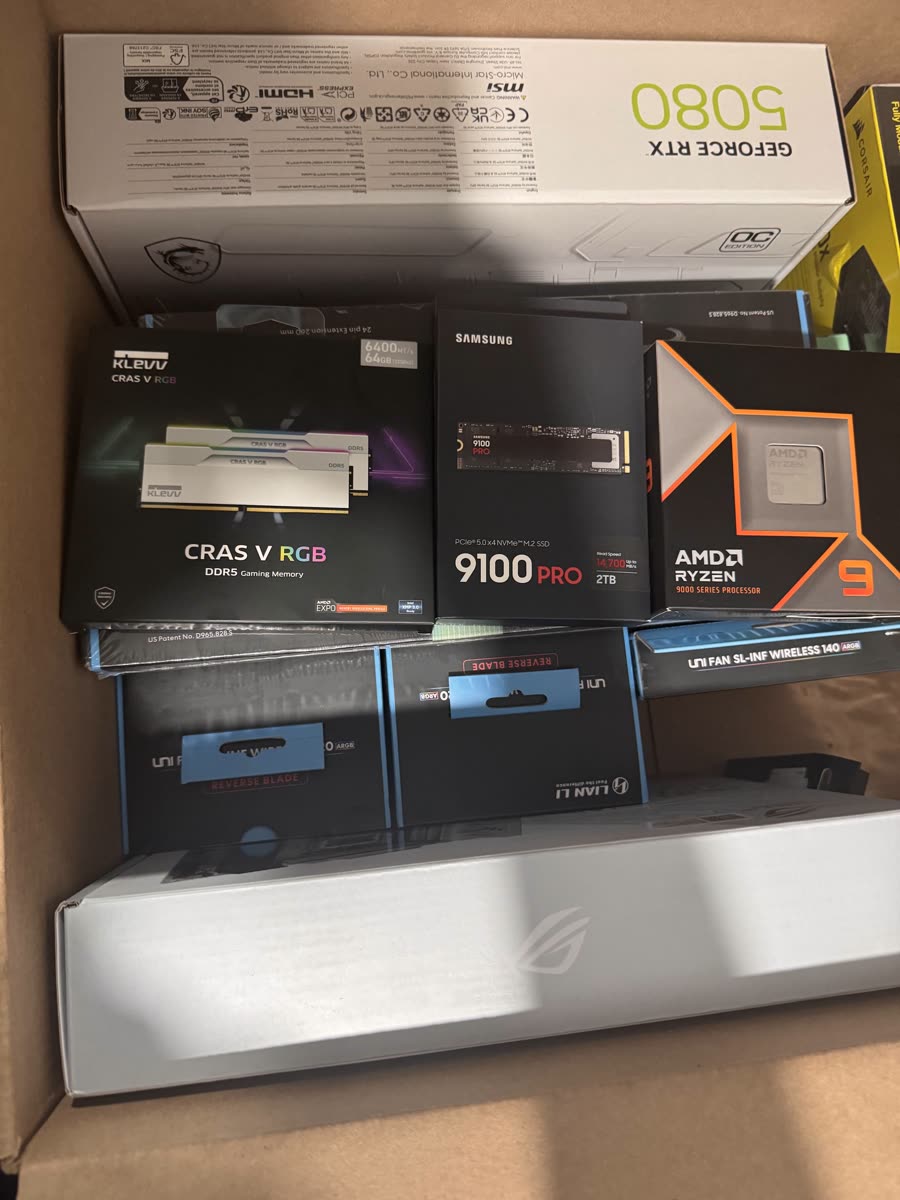
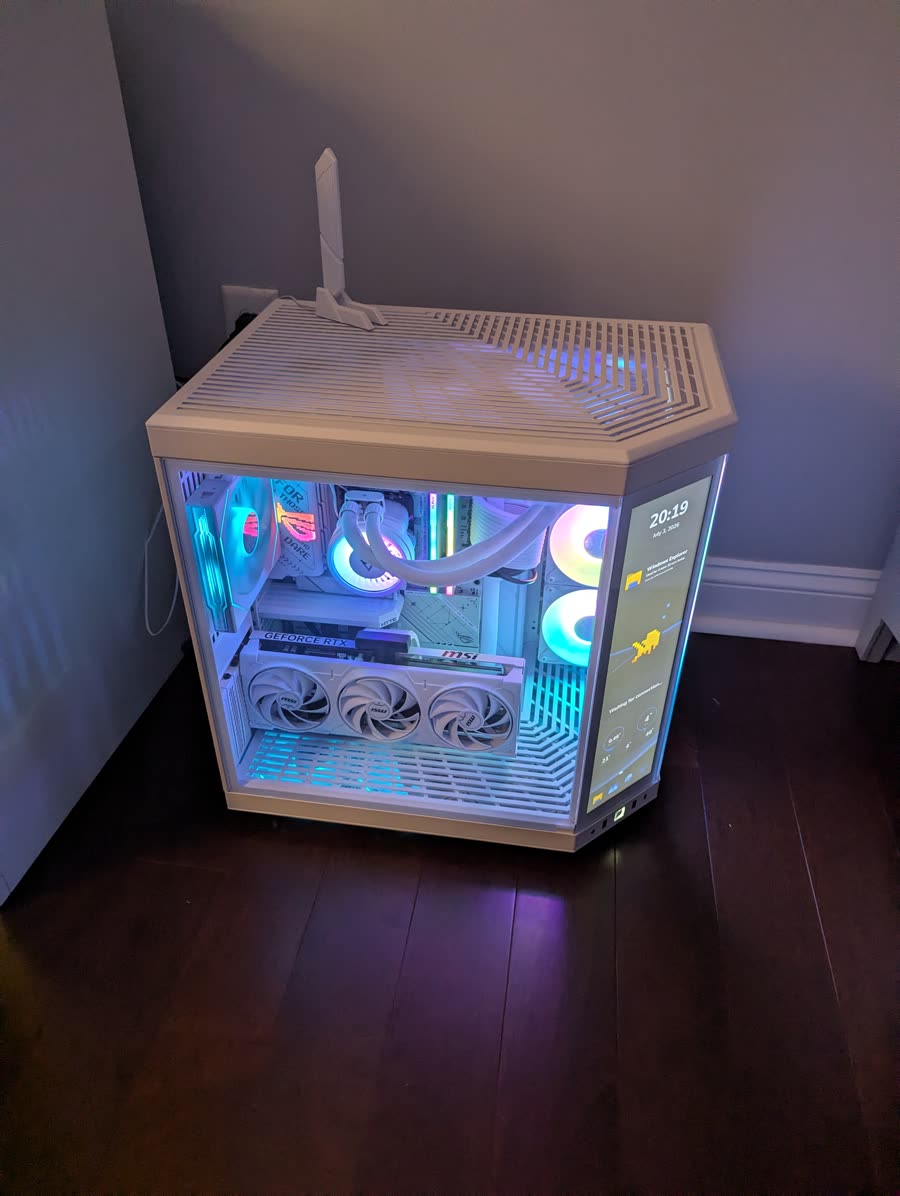
We don't just fix computers, we build them. A recent client build, spec'd for high-end gaming and delivered cable-managed and stress-tested:
- CPU
- AMD Ryzen 9 9950X
- Graphics
- MSI GeForce RTX 5080 16G Gaming Trio OC
- Motherboard
- ASUS ROG Strix X870-A Gaming WiFi
- Memory
- KLEVV CRAS V RGB DDR5, 64 GB
- Storage
- Samsung 9100 PRO 2 TB NVMe SSD
- Power
- Corsair RM1000x
- Case
- HYTE Y70 Touch Infinite ATX mid-tower
What we fix
- Screen, keyboard, battery, and power-jack replacements
- Hard drive and SSD upgrades, memory upgrades, and tune-ups
- Virus, malware, and pop-up cleanup with security hardening
- Windows and macOS problems: boot failures, updates, blue screens
- Slow computer diagnostics: we find the real cause, not just symptoms
Frequently asked questions
- How much does a diagnostic cost?
- We quote the diagnostic up front and apply it toward the repair if you go ahead. You'll always know the price before we open the machine.
- How long does a typical repair take?
- Drive upgrades, screen replacements, virus cleanup: most common repairs are done within a few business days, depending on parts availability. We give you an honest timeline when we quote.
- Do you work on both Windows PCs and Macs?
- Yes. We repair Windows laptops and desktops of every major brand, as well as Apple MacBooks and iMacs.